

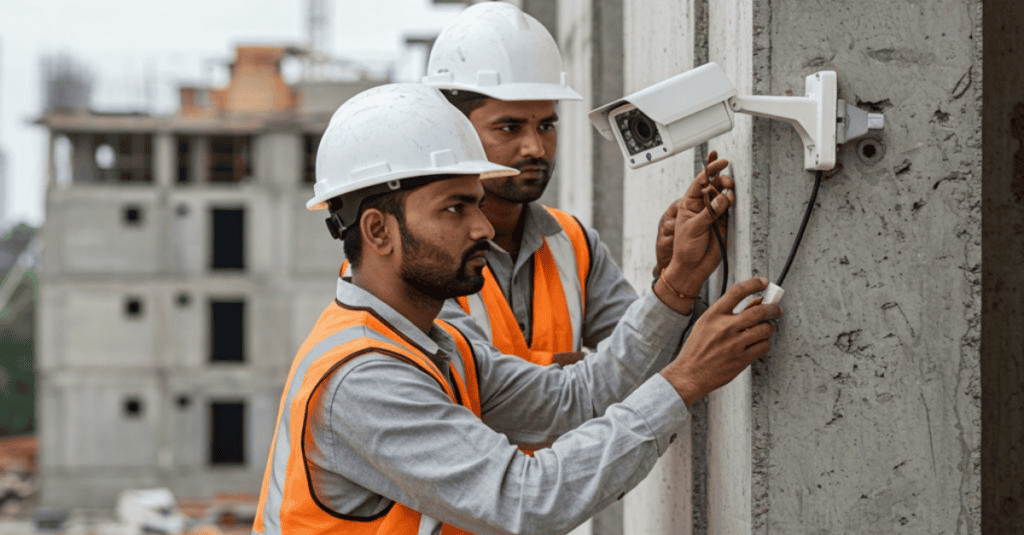
Job site cameras have become standard equipment on modern construction projects. They monitor equipment, deter theft, track progress remotely, and provide documentation in case of a dispute or accident. What many construction firms overlook is that every one of those cameras is also a connected device sitting on the same network as project files, financial systems, and client data, and most of them were never designed with strong security in mind.
As construction firms add more connected equipment to job sites, from cameras to sensors to remote-access trailers, the number of devices with network access grows far faster than most firms’ security practices keep pace with. Understanding why job site cameras specifically represent a significant blind spot, and what to do about it, has become an increasingly important part of managing risk on any active project.
Why Job Site Cameras Are Different From Office Security Systems
A camera installed in a corporate office typically sits on a controlled, monitored network with consistent oversight. Job site cameras operate under very different conditions.
- They are often installed temporarily, moved between sites, and configured quickly by whoever is available, not necessarily an IT professional
- Many rely on cellular connections or shared job site Wi-Fi rather than a hardened corporate network
- Physical access to the cameras themselves is far less controlled, since job sites are open environments with constant foot traffic
- Devices are frequently left with default manufacturer passwords, since changing them is rarely part of a standard installation checklist
- Firmware updates are often skipped entirely once a camera is mounted and working, since nobody is assigned to maintain it long term
These differences mean job site cameras frequently sit outside the reach of standard network management solutions that firms rely on to monitor and secure their core office systems.
How a Compromised Camera Becomes a Bigger Problem
The risk with a connected camera is rarely limited to the camera itself. Once a device on a network is compromised, it can become a foothold for broader access, particularly if that camera shares a network with other business systems.
Common attack pathways include:
- Default credentials. Many camera systems ship with generic usernames and passwords that are never changed, making them easy targets for automated scanning tools that search the internet for exposed devices.
- Unpatched firmware. Manufacturers regularly release security updates, but cameras left unmaintained in the field often run outdated software with known vulnerabilities.
- Shared network access. If a job site camera sits on the same network as a project laptop or server, a compromised camera can potentially be used as a stepping stone to reach more sensitive systems.
- Exposed remote viewing portals. Cameras configured for remote viewing sometimes expose a login portal directly to the internet without adequate protection, giving attackers a direct path in if credentials are weak or reused.
This pattern mirrors broader concerns raised in discussions of edge security solutions, where devices operating outside a traditional office perimeter require a different security approach than equipment sitting safely inside a monitored building.
What Attackers Actually Gain From Job Site Camera Access
It is worth understanding the specific motivations behind targeting construction camera systems, since the risk is not always obvious at first glance.
Surveillance for physical theft. Construction sites are frequent targets for equipment and material theft, and a compromised camera feed can give criminals real-time visibility into when a site is unattended.
Network reconnaissance. Attackers scanning for vulnerable devices often use compromised cameras to map out what else is connected to the same network, gathering information for a larger attack.
Botnet recruitment. Poorly secured cameras are commonly recruited into large botnets, used to launch attacks against unrelated targets while consuming your bandwidth and potentially exposing your business to liability.
Ransom and extortion attempts. In some documented cases, attackers have used compromised camera systems as leverage, threatening to leak footage or disrupt operations unless a payment is made.
These risks reinforce why construction firms benefit from treating job site cameras as a genuine part of their overall cybersecurity protection services strategy, rather than a separate category managed entirely by facilities or operations staff.
Why This Blind Spot Persists in the Construction Industry
Several industry-specific factors make this a particularly persistent problem for construction firms compared to other sectors.
Decentralized purchasing decisions. Camera systems are often selected and installed by project managers or site supervisors rather than IT staff, meaning security considerations are rarely part of the purchasing conversation.
High device turnover. Cameras move between job sites as projects start and finish, making it difficult to maintain a consistent inventory of what devices exist, where they are, and whether they have been updated.
Limited on-site IT presence. Unlike an office environment with dedicated IT support nearby, job sites often operate with minimal technical oversight, leaving security gaps unaddressed for extended periods.
Assumption that physical remoteness equals safety. Many firms assume that because a job site is not a typical office target, it carries lower cyber risk, when in reality remote and temporary networks are often easier to compromise precisely because they receive less attention.
This pattern is closely related to broader challenges discussed around construction companies reduce downtime, where inconsistent technology oversight across multiple active sites creates recurring operational and security gaps.
Building a Security Framework for Job Site Cameras
Reducing this risk does not require abandoning connected camera systems, which provide genuine operational value. It requires applying the same security discipline to these devices that firms already apply to office computers and servers.
Change default credentials immediately upon installation. This single step eliminates one of the most common and easily exploited vulnerabilities.
Segment camera networks from core business systems. Cameras should operate on a separate network segment from project files, financial systems, and email, so a compromised camera cannot serve as a pathway to more sensitive data.
Maintain a current device inventory. Track every camera and connected device across all active job sites, including make, model, firmware version, and installation date.
Schedule regular firmware updates. Assign responsibility for checking and applying manufacturer updates on a recurring basis, rather than leaving cameras to run indefinitely on outdated software.
Require multi-factor authentication on remote viewing portals. Any system that allows remote access to camera feeds should be protected with more than a single password.
Conduct periodic security reviews of job site technology. Include cameras and other connected equipment in regular audits, not just office-based systems.
Involve IT staff in equipment purchasing decisions. Establishing a simple approval process before new camera systems are deployed helps catch security gaps before installation rather than after an incident.
Firms without a documented process for these steps often benefit from a structured reliable IT support partnership that extends security oversight to job site equipment, not just office infrastructure.
The Role of Network Segmentation
Network segmentation deserves particular attention, since it is one of the most effective tools available for limiting the damage a compromised camera can cause. By isolating cameras and other connected devices onto their own network segment, firms ensure that even if a device is compromised, the attacker cannot easily reach project management systems, financial records, or client data sitting on a separate part of the network.
This approach requires some upfront planning but pays off significantly in reduced risk. It also aligns naturally with broader cloud security posture practices, where limiting unnecessary access between systems is a foundational principle regardless of whether data lives on-site or in the cloud.
Insurance and Liability Considerations
As camera-related breaches become more publicized, cyber insurance providers have started paying closer attention to how construction firms manage connected job site equipment. A breach traced back to an unsecured camera system can raise the same documentation and reasonable-precaution questions seen in other types of cyber incidents.
Firms should consider:
- Whether their current cyber policy explicitly addresses Internet of Things devices like cameras and sensors
- Documenting security measures applied to job site equipment as part of overall risk management records
- Reviewing vendor contracts for camera systems to understand who bears responsibility in the event of a security failure
This overlaps closely with broader conversations about why context matters in threat management, since understanding the specific risk a device poses matters more than simply knowing a vulnerability exists somewhere in the environment.
Choosing Security-Conscious Camera Systems
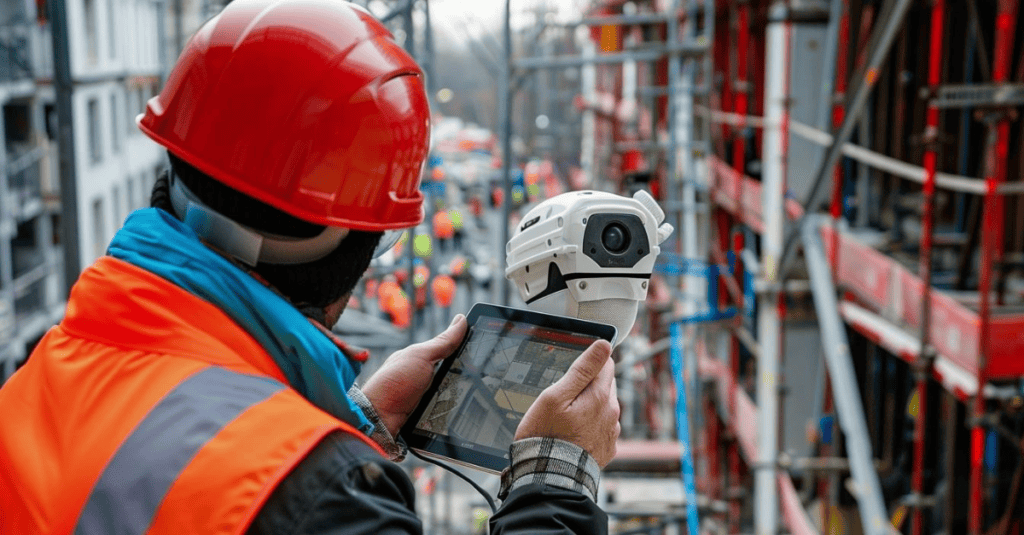
Not all camera manufacturers approach security the same way. Firms evaluating new systems should ask vendors directly about:
- How often firmware updates are released and how they are delivered
- Whether default credentials can be, and are required to be, changed during setup
- What encryption standards protect video data both in transit and in storage
- Whether the system supports network segmentation and multi-factor authentication
- The vendor’s history of disclosed vulnerabilities and how quickly they were addressed
A brief evaluation process at the purchasing stage prevents many of the issues that surface later, and firms uncertain how to structure this evaluation often benefit from expert IT guidance before committing to a specific vendor or platform.
Making Job Site Technology Part of the Broader IT Strategy
Connected cameras are just one example of a larger trend in construction, where more devices, from environmental sensors to equipment trackers, are being added to job sites every year. Treating each new device category as an isolated decision, rather than part of a coordinated technology strategy, is exactly how blind spots like this develop and persist.
Firms that fold job site technology into their overall long term IT planning are better positioned to catch security gaps early, rather than discovering them after a device has already been compromised.
Final Thoughts
Job site cameras provide real operational value, but that value comes with a security responsibility that many construction firms have not yet fully addressed. As these devices multiply across active projects, the gap between operational convenience and security oversight continues to widen unless firms take deliberate steps to close it. CMIT Solutions of Fort Myers South helps construction firms bring the same level of security discipline to job site equipment that already protects office systems, from network segmentation to device inventory and ongoing monitoring. CMIT Solutions of Fort Myers South also works directly with project teams to build practical, field-ready security processes that do not slow down day-to-day operations.
If your firm has connected cameras or other equipment currently running on job site networks without a clear security review process, it is worth finding out what is actually exposed before an attacker does. Schedule a consultation with our team to assess your job site technology and build a security framework that keeps your projects and your data protected.
Frequently Asked Questions



