
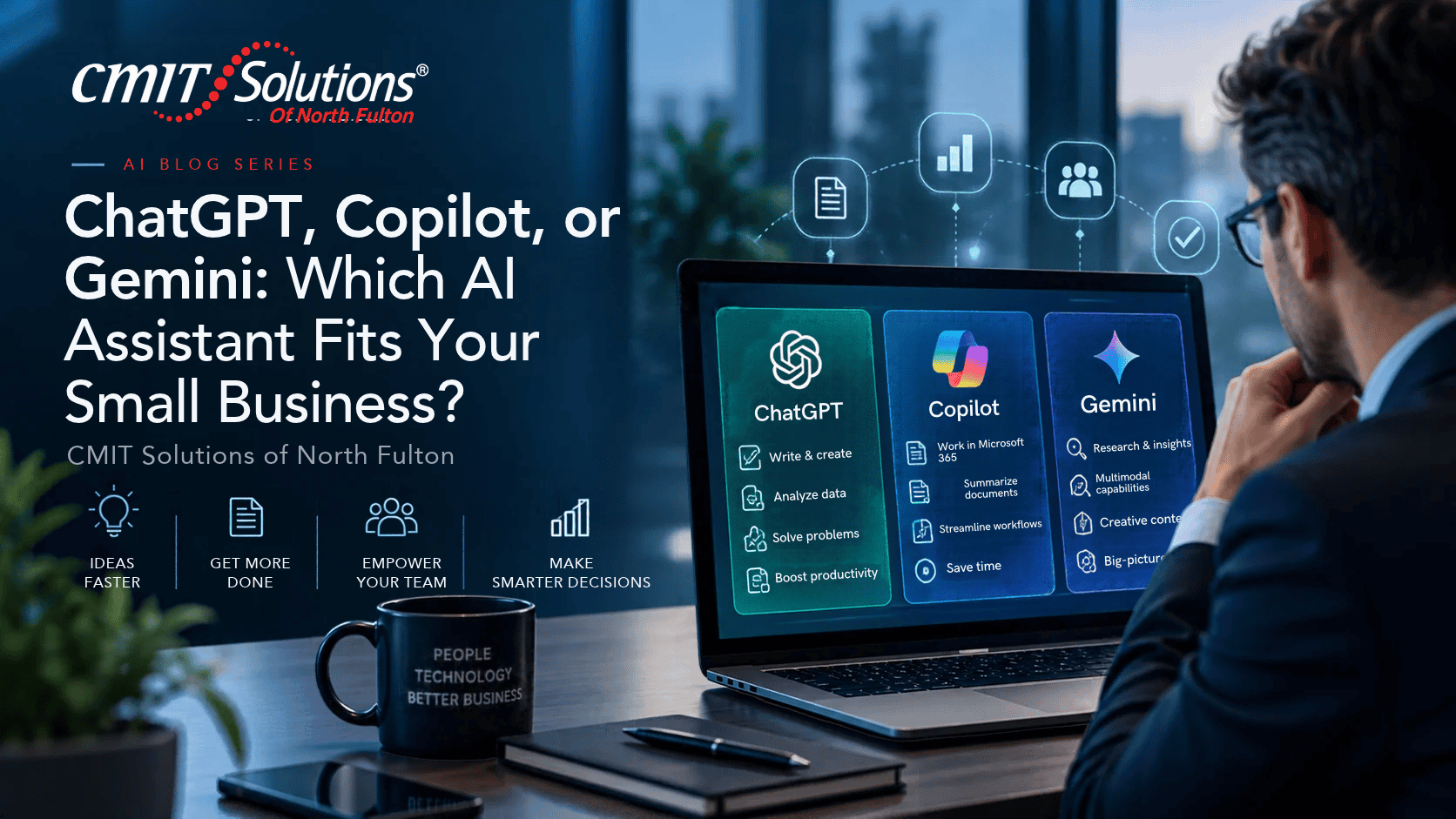
ChatGPT, Copilot, or Gemini: Which AI Assistant Fits Your Small Business?
A business owner in Alpharetta can open three AI tools in the same morning and get three impressive drafts. That does not mean all three are equally suitable for company documents, customer records, or team-wide use. The better question is not which engine sounds smartest in a demo. It is which service fits the work your employees already do and the rules your business must follow.
For North Fulton business owners and operations managers in Alpharetta, Roswell, Milton, Sandy Springs, Marietta, and nearby North Fulton communities, this topic is about day-to-day business decisions, not abstract technology trends. A useful starting point is to understand the workflow, its information, and the people accountable for the result.
Where the Opportunity Starts
Start with the daily workflow. A Microsoft 365-centered company may find value in evaluating Copilot within its existing environment; a Google Workspace-centered team can examine Gemini in its familiar apps; a company with varied research and drafting needs may compare a business-grade ChatGPT workspace. Capabilities, add-ons, terms, and licensing can change, so test the current paid business editions rather than relying on consumer screenshots. Ask employees to identify two repetitive, low-risk tasks before purchasing seats.
For wider context, see Microsoft enterprise Copilot data protection. Also compare ChatGPT Business data practices and Gemini for Google Workspace protections under the exact licenses your business would purchase.
The Risks and Decisions That Matter
Privacy, administration, and data access matter more than a dazzling example. Review whether prompts and outputs are used for model training under your exact plan, how users authenticate, what administrators can audit, which connectors can reach corporate files, and how records are retained or deleted. A tool should not receive unrestricted access to payroll, customer accounts, or financial folders merely because the integration is available. Every answer still needs a responsible human reviewer.
One common mistake is treating the model choice as a winner-take-all decision. Another is buying licenses before cleaning up SharePoint or Drive permissions. If an employee can already access an overly broad folder, a connected assistant may make that exposure easier to discover. Set document sharing rules, role permissions, and approved use cases before rollout. Give the team examples of prohibited data, not just a general reminder to be careful.
An Illustrative Business Scenario
Picture a 35-person professional services firm whose employees work almost entirely in Microsoft 365. They need meeting summaries, internal document search, and draft client emails. Rather than buying every available assistant, the operations manager builds the same three test tasks in a secure trial environment. One product integrates well with the team’s existing permissions; another provides stronger writing flexibility but requires a separate workflow. The comparison exposes the actual trade-off: integration, confidentiality, training, and cost all matter. An independent tool evaluation can conclude that more than one product has a role.
Five Practical Actions to Take
- List the top three tasks each department wants to improve.
- Test each platform with synthetic or public sample data.
- Compare current licensing, contractual privacy commitments, and admin controls.
- Review Microsoft 365 or Google Workspace sharing permissions before connecting
- Pilot with a small group and require human sign-off on external outputs.
How to Check Whether the Plan Is Working
Measure draft turnaround time, correction rate, number of unapproved tools in use, and whether employees actually return to the tool after the pilot. Compare the same task under the same conditions. The winner is the tool that improves a real workflow with acceptable security and predictable cost, not the one that generates the longest answer.
Before expanding an AI workflow, ask the owner to show both sides of the trade-off: what time it saved and what review, compliance, permission management, or rework it created. Begin with data that your team is authorized to use, keep human approval in place for consequential outputs, and revise the procedure when vendors or features change. This helps avoid confusing an impressive demonstration with a reliable business process.
Three Questions to Ask Your Team
- Which systems hold the information the assistant would need?
- Do current folder permissions allow broader access than staff should have?
- Who will evaluate the output and own renewal decisions?
A Practical Next Step for North Fulton Businesses
Start with a focused review of your current systems, high-value information, and work that must remain available. An approved pilot should have a named process owner, explicit data boundaries, and a simple success measure. If you need guidance on access controls, integrations, or the security basics behind an AI rollout, explore CMIT Solutions of North Fulton and discuss how the proposed workflow connects to your existing IT environment.
Ready to make a more informed technology decision? Schedule a consultation with CMIT Solutions of North Fulton.

