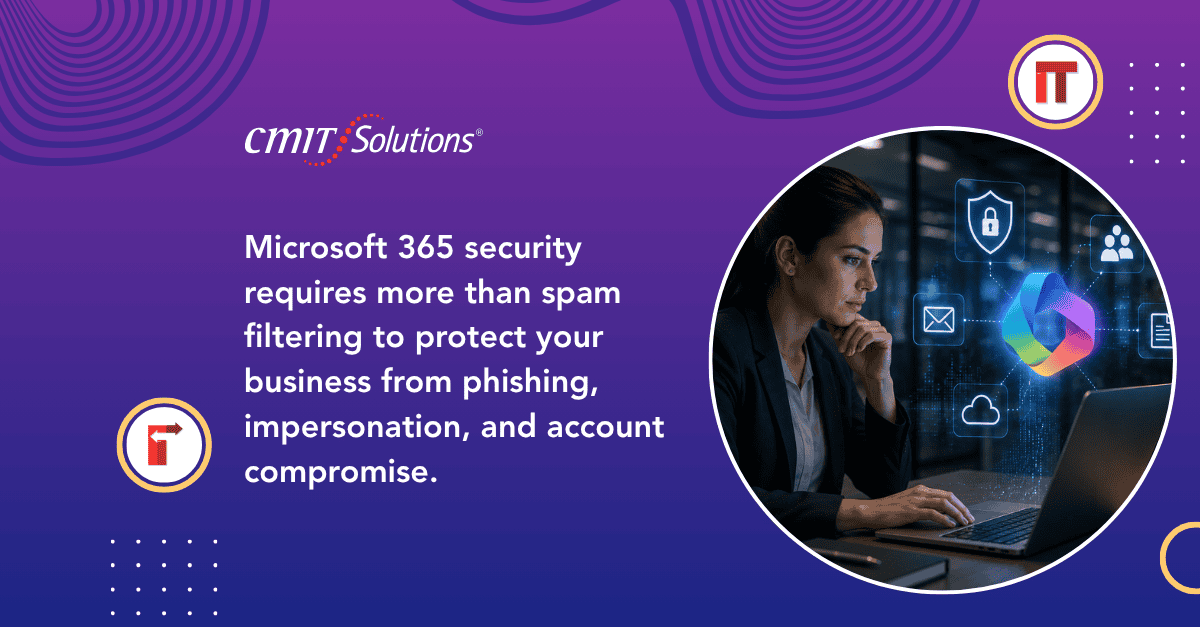
Email remains the single most common entry point for cyberattacks, and Microsoft 365 sits at the center of that risk for the vast majority of small and mid sized businesses. It is where invoices get approved, contracts get shared, and sensitive client conversations happen every day. That combination of trust and volume makes it an obvious target, and attackers know it.
CMIT Solutions of Southeast Wisconsin regularly works with businesses across Kenosha, Racine, Walworth, Milwaukee, and Waukesha counties that assume Microsoft 365 is secure simply because it comes from a major provider. The platform includes powerful security tools, but most of them are not turned on by default. Understanding what modern email threats actually look like, and which settings close the gap, is essential for any business relying on Microsoft 365 for daily operations.
Why Microsoft 365 Is a Prime Target
Attackers focus heavily on Microsoft 365 for a simple reason: it is the platform behind email, file storage, and collaboration for millions of businesses worldwide. A single compromised account can expose far more than a mailbox. It can expose shared files, calendar details, internal chat history, and access to connected business applications.
This shift toward identity based email compromise mirrors trends discussed in this look at evolving cyberattack tactics currently affecting businesses across the region, where attackers increasingly favor stolen credentials over traditional malware.
Modern Email Threats Businesses Face Today
Email based attacks have evolved well beyond obvious spam messages with poor grammar. Today’s threats are targeted, convincing, and often difficult to distinguish from legitimate communication. The most common threats currently affecting Microsoft 365 environments include:
- Business email compromise, where attackers impersonate executives or vendors to request fraudulent payments
- Phishing kits designed specifically to mimic the Microsoft 365 login page and capture credentials
- Malicious OAuth consent grants, tricking users into approving third party app access without realizing what permissions they are handing over
- Lookalike domain spoofing, using domains nearly identical to a trusted vendor or partner
- Malware laden attachments disguised as invoices, shipping notices, or contracts
- Mailbox rule hijacking, where attackers quietly create forwarding rules to monitor communication after gaining access
- Invoice and payment fraud, often timed around real transactions already in progress
These tactics frequently succeed not because of weak technology, but because default settings leave too many gaps open, a theme explored further in this article on protecting business networks from common and emerging threats.
How Attackers Exploit Default M365 Settings
Microsoft 365 ships with a strong security foundation, but many of the most effective protections require intentional configuration. Businesses that rely solely on default settings often leave themselves exposed in ways they do not realize until an incident occurs. Common gaps include:
- Multi factor authentication not enforced across every account
- Legacy authentication protocols left enabled, bypassing modern login protections
- No conditional access policies restricting logins by location or device
- Safe Links and Safe Attachments features not activated
- Audit logging turned off or not regularly reviewed
- Overly broad permissions granted to third party applications
Addressing these gaps is often one of the fastest ways to meaningfully reduce risk, a point covered in more depth in this discussion of technology downtime impact when a compromised account triggers a business wide disruption.
Core Microsoft 365 Security Features Often Overlooked
Most businesses already have access to strong security tools within their existing Microsoft 365 subscription. The challenge is knowing which features to enable and configure correctly. Key protections include:
- Multi factor authentication enforced for every user, including executives and administrators
- Conditional access policies that block or flag logins from unfamiliar locations or devices
- Microsoft Defender for Office 365, which scans attachments and links in real time
- Data loss prevention policies that prevent sensitive information from leaving the organization unintentionally
- Safe Links and Safe Attachments, which check content at the moment a link is clicked rather than only at delivery
- Audit logging and alerting, giving visibility into unusual account activity
Turning on these features is one of the most cost effective ways to strengthen Microsoft security solutions already included with most business subscriptions, often without requiring any additional licensing cost.
Why Southeast Wisconsin Businesses Need to Prioritize This
Smaller organizations across the region frequently assume email threats are reserved for larger companies with bigger budgets to target. In reality, the opposite is often true. Smaller businesses tend to have fewer dedicated security resources, making them attractive targets for automated attacks that scan for common misconfigurations.
This pattern is reflected in the growing number of local businesses reporting suspicious activity, a trend discussed in this overview of regional cybersecurity coverage across the counties CMIT Solutions of Southeast Wisconsin serves directly.
Industry Specific Email Security Considerations
Email threats affect every industry, but the consequences and specific risks vary depending on the type of business.
Legal and Professional Services Confidential client communications and case documents make law firms attractive targets for business email compromise and mailbox monitoring attacks.
Accounting and Financial Services Invoice fraud and payment redirection schemes are especially common, since attackers know financial firms process transactions regularly and can time fraudulent requests to blend in with normal activity.
Construction and Engineering Bid documents, contracts, and vendor payment requests move constantly through email, creating multiple opportunities for interception. This growing exposure is covered in this look at construction cybersecurity risks affecting the industry more broadly.
Healthcare and Hospitality Businesses managing personal guest or patient information face heightened compliance exposure if a compromised email account leads to a data disclosure.
Building a Layered Email Security Strategy
No single setting or tool eliminates email risk entirely. A layered approach combining technology, policy, and training produces far stronger results. An effective strategy typically includes:
- Enforcing multi factor authentication across all accounts without exception
- Implementing conditional access based on device compliance and location
- Enabling advanced threat protection features already included in most subscriptions
- Establishing a verification process for any payment or wire transfer request
- Reviewing mailbox forwarding rules on a regular basis
- Monitoring for unusual login activity, especially from unfamiliar locations
Businesses building this kind of layered defense often find it easier when supported by full service IT management that includes ongoing configuration reviews as part of standard service.

The Importance of Backing Up Microsoft 365 Data
A common misconception is that Microsoft automatically backs up all business data indefinitely. In reality, Microsoft’s built in retention policies are not a substitute for dedicated backup, particularly when it comes to recovering from deleted mailboxes, corrupted files, or a ransomware event that spreads through synced cloud storage. Reliable email backup solutions ensure business critical communications and files can be restored quickly regardless of what caused the loss.
Employee Training Around Email Threats
Even the strongest technical defenses can be undermined by a single employee clicking the wrong link or approving a suspicious permission request. Ongoing training should focus on:
- Recognizing lookalike domains and subtle spelling variations
- Verifying unexpected payment or invoice requests through a separate channel
- Understanding what OAuth permission requests actually grant access to
- Reporting suspicious emails quickly rather than deleting them without notice
This human centered layer works best alongside broader awareness efforts already common across the region, a topic covered extensively in discussions around growing business IT guide resources built specifically for companies scaling their operations and their security needs together.
Compliance Considerations for Email Security
Regulated industries face additional expectations around how email data is protected, retained, and audited. Businesses handling financial, healthcare, or legal information often need to demonstrate specific safeguards are in place, not just general good intentions. Structured email compliance standards help ensure documentation and controls meet industry specific requirements before an audit or incident forces the issue.
This is increasingly relevant as regulatory expectations expand, a shift echoed in broader conversations around simplified compliance approach strategies designed specifically for smaller organizations without dedicated compliance staff.
Signs Your Current Email Security Needs Attention
Certain warning signs suggest a Microsoft 365 environment may already be at risk, even without an obvious incident yet occurring:
- Employees receiving unusual password reset notifications they did not request
- Reports of colleagues receiving strange emails sent from a coworker’s account
- Unexplained forwarding rules appearing in mailboxes
- Login alerts from unfamiliar countries or devices
- Slower than expected response when addressing reported phishing attempts
These indicators often align with the broader warning signs described in this guide to signs IT upgrade needed across a business’s overall technology environment.

Why Partnering With a Managed IT Provider Makes Sense
Configuring Microsoft 365 security correctly, monitoring for suspicious activity, and keeping up with new threat tactics requires consistent attention that most internal teams struggle to maintain alongside daily responsibilities.
CMIT Solutions of Southeast Wisconsin helps businesses close this gap through ongoing IT assistance, dedicated email threat protection, and technology decision support tailored to each business’s specific Microsoft 365 environment.
Additional support areas include:
- Microsoft 365 applications configured with security best practices built in from the start
- Business communication tools that keep collaboration secure across every device
- Software licensing guidance to ensure the right subscription tier includes necessary security features
- Network traffic monitoring to catch unusual activity connected to compromised accounts
- Tailored service plans that scale email security alongside overall business growth
For businesses considering a more proactive approach overall, this discussion of proactive IT support explains why prevention consistently costs less than recovering from an incident after the fact, alongside related insight into proactive IT management trends taking hold across the region.
Practical Steps to Take This Quarter
Business owners ready to strengthen their Microsoft 365 security posture can start with a focused checklist:
- Enforce multi factor authentication across every account without exception
- Enable conditional access policies based on device and location
- Turn on Safe Links and Safe Attachments if not already active
- Review and remove unnecessary third party app permissions
- Confirm mailbox forwarding rules are not silently redirecting messages
- Set up dedicated backup for Microsoft 365 email and files
- Establish a verification process for any payment related request
Working alongside a local IT provider that already understands the Microsoft 365 environment can make this process significantly faster than attempting to configure everything internally, particularly for businesses juggling limited technical resources. It also helps to stay current on broader shifts, covered in this look at emerging technology trends shaping how local companies invest in security going forward, along with growing interest in AI powered IT operations that help detect email based threats faster than manual review alone. Reliable workplace connectivity performance also supports the kind of consistent monitoring modern email security depends on.
Looking Ahead
Email threats are not slowing down, and Microsoft 365 will remain a primary target for as long as it remains the backbone of business communication. The businesses that stay protected are not necessarily the ones with the biggest budgets. They are the ones that take the time to configure existing tools correctly, train employees consistently, and maintain visibility into their environment year round.
Investing in reliable technology infrastructure and smart IT investment decisions now puts your business in a far stronger position than waiting for an incident to force the issue later, a lesson echoed across countless businesses already investing better IT support across the region this year.
If you want a clear picture of how your current Microsoft 365 environment stacks up, schedule a consultation with our team and we will review your configuration, identify gaps, and outline practical next steps.
Frequently Asked Questions