

A plain-English guide to AI governance and security for small and midsize business owners.
Ask a business owner whether the company uses AI, and the usual answer is “a little” or “not really.” Ask the employees, and you hear something else. They use it to draft emails, summarize meetings, tidy spreadsheets, and answer client questions. Most have never been told what is allowed and what is not.
That is where most small and midsize businesses find themselves: AI showed up at work before the rules did. If you feel unsure about what “best practice” even means right now, you are in good company. Tools change every month, the advice is noisy, and most writing on AI governance assumes you have a legal department and a security team.
At CMIT Solutions, we talk with business owners about this every day. Our view is simple. You don’t need to ban AI, and you don’t need a 40-page policy. You need to know what is being used, decide what is allowed, and put sensible guardrails around your data. Here is what the risk really looks like, and what to do about it.
AI is already in your business
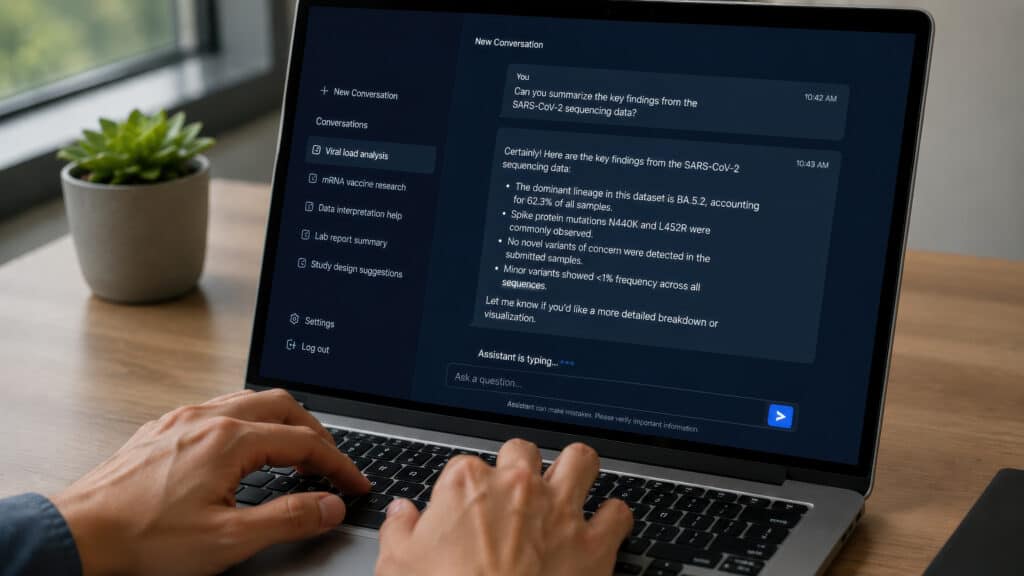
Half of all workers at U.S. small businesses now use AI on the job, according to the U.S. Chamber of Commerce Foundation’s Main Street AI Monitor. How it got there matters more. Nearly twice as many workers say AI came in through employees experimenting on their own (19%) as through company direction (11%). Only about one in ten has been offered formal training.
The rules have not kept up. In a GTIA study of 520 small- and midsize-business decision-makers released in August 2026, 44% had an acceptable-use policy for AI tools. More than half had nothing in writing.
That gap has a name: shadow AI. It means using AI tools for work without review or approval. IBM’s 2026 Cost of a Data Breach Report found that security incidents involving shadow AI more than doubled in a year, reaching 43% of the breached organizations studied, up from 20%. About one in five of those incidents ended in a regulatory fine.
IBM’s research leans toward larger companies, so the multimillion-dollar price tags will not map neatly onto a 25-person firm. The pattern will. And a smaller business has far less cushion to absorb a breach, a lost client, or a compliance penalty.

5 ways ungoverned AI puts your business at risk
1. Sensitive data leaves the building.
This is the most common problem we see. An employee pastes client records, financials, or a contract into a free AI tool on a personal account. Depending on the tool’s terms, that content may be stored or used to train future models. Once it is out, you cannot pull it back.
2. Connected tools with standing access.
AI note-takers, browser extensions, and assistants that plug into your email and files keep their access long after anyone remembers approving them. We walked through how that happens in The Permission Nobody Remembers Granting. For governance, the takeaway is that every connected AI tool is a vendor sitting inside your data, and someone needs to own the decision to let it in.
3. AI that can see too much.
Assistants built into your email and file systems follow the permissions you already have. If your file permissions are loose, the assistant will happily surface payroll, HR files, or client folders to anyone who asks. IBM’s 2026 report found that 92% of organizations with an AI-related security incident lacked proper AI access controls.
4. Compliance and contract exposure.
HIPAA, PCI, state privacy laws, and your client agreements make no exception for a chatbot. If protected health information goes into an AI tool, that vendor needs a Business Associate Agreement. Your team may not know that. Regulators and clients will expect you to.
5. Attackers have AI too.
IBM reports AI-driven attacks rose 56% in a year. We covered the phishing and deepfake side in AI-Powered Cyberattacks: When Seeing Is No Longer Believing. A governance policy should say how your people verify unusual requests and which tools they may use.

What good AI governance looks like at your size
“AI governance” sounds like a big-company project. For a small business, it is one decision, written down and enforced: who can use which AI tools, with which data.
Prohibition alone does not work. As we noted in our look at shadow AI and connected apps, it pushes AI use onto personal accounts you cannot see. Governance works when it gives your team an approved way to use AI and makes the limits clear. That takes four things.
- Visibility. Know which AI tools are in use across your business, including the ones built into software you already own.
- A short, written policy. One or two pages your team will read, built around the data rules below and naming the tools you have approved.
- Technical guardrails. Business-grade AI accounts with multifactor authentication, settings that keep your data out of model training, tightened file permissions, and monitoring for unapproved tools.
- Training and ownership. One named person is accountable for AI, a team that knows the rules, and a quarterly review.
Most of the policy comes down to data. A simple traffic-light rule is easy for staff to remember:
| Data type | Examples | Rule |
|---|---|---|
| Green | Public marketing copy, general research, brainstorming | Fine in any approved AI tool |
| Yellow | Internal documents, non-sensitive client work, business plans | Approved business accounts only |
| Red | Health records, payment card data, Social Security numbers, passwords, anything under NDA | Never, unless a specific tool has been cleared for it |
Key Takeaways
- AI use is ahead of AI rules. Half of small-business workers use AI at work, and fewer than half of small and mid-size businesses have a policy for it.
- The biggest risk is everyday behavior. Well-meaning staff pasting sensitive data into unapproved tools causes more trouble than exotic attacks do.
- Governance is a data decision. Decide which data can go into which tools, write it down, and give people an approved way to work.
- You do not need an enterprise program. A one-page policy, a short list of approved tools, and a few technical controls close most of the gap.
- AI will find your old security gaps. Loose file permissions and weak sign-in practices become bigger problems once you connect an AI assistant.

Your action items
This week
- Ask your team which AI tools they use for work. Make it a no-blame conversation so you get honest answers.
- Set one interim rule: no client, patient, financial, or login information goes into any AI tool the company has not approved.
- Elect one person who owns AI decisions for the business.
In the next 30 days
- Choose your approved tools and move staff onto business accounts with multifactor authentication.
- Turn the traffic-light table above into a one-page acceptable-use policy and have every employee sign it.
- Review who can access what in Microsoft 365 or Google Workspace before you turn on any built-in AI assistant.
In the next 90 days
- Train everyone on the policy, using real examples of green, yellow, and red data from your own business.
- Put monitoring in place to flag unapproved AI tools and add AI to your vendor review and incident response plan.
- Add AI-assisted phishing and deepfake scenarios to your regular security training. Our post on AI-powered cyberattacks covers what to teach.
- Put a quarterly review on the calendar. The tools will have changed by then.

You don’t have to figure this out alone
AI can make your team faster and your business more competitive. It should not cost you a night’s sleep. The businesses getting the most from AI are the ones that put guardrails in place early, then let their people use it with confidence.
That is the work we do every day at CMIT Solutions. We help small and midsize businesses see which AI tools are really in use, write a policy people will follow, and put security controls behind it. You get a local team that knows your business, backed by a national network of resources.
Ready to get clear on AI? Connect with CMIT Solutions of Wall Street and Grand Central for an AI governance consultation. We will review where you stand today, show you where your data is exposed, and leave you with a prioritized plan you can act on.
Schedule your consultation or call (212) 923-2648.