
Patient trust is the quiet engine that keeps a medical practice running. It is why someone chooses your office over the clinic down the street, why they answer honestly on intake forms, and why they come back year after year.
What many suburban practices do not realize is that trust can be damaged by something that has nothing to do with bedside manner: small technology gaps that create big, visible problems. A portal that goes down on a Monday morning. A “temporary” password that never gets changed. A backup that exists in theory, but not in a form you can actually restore.
And when patients notice, they remember.
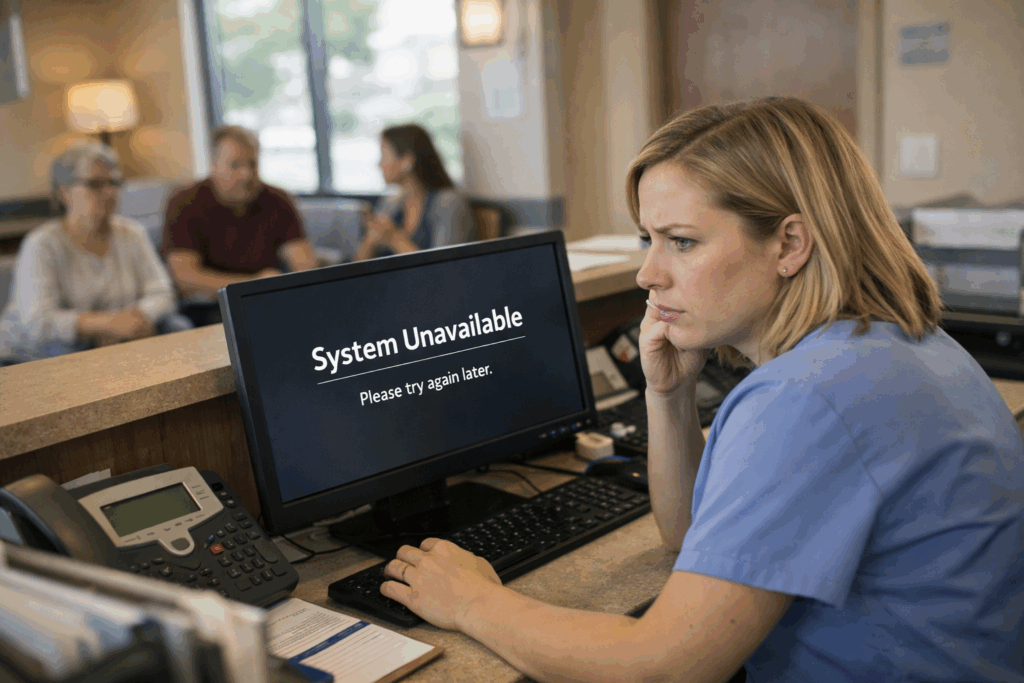
The trust problem is not just “privacy.” It is reliability.
Most practices hear “patient trust” and immediately think about privacy, HIPAA, and data breaches. That matters, of course. But trust is also about whether your practice feels dependable.
If your scheduling system is slow, if reminders do not go out, if e-prescribing is down, or if your staff is constantly apologizing for “computer issues,” patients start to wonder what else is being handled loosely. They might not say it out loud, but the thought is simple: If their technology is shaky, is my information safe here?
That is why [medical practice cybersecurity] is not only about stopping hackers. It is also about keeping your practice steady and professional, even on your busiest days.
The most common technology gaps we see in suburban practices
Here are a few issues that show up again and again, usually because nobody has had time to step back and do a full review.
Shared logins and “we all use the same password” habits
It feels efficient. It is also one of the fastest ways to lose accountability. When everyone uses the same login, you cannot tell who accessed what, who changed what, or who clicked what. If something goes wrong, you are guessing.
A better approach is simple: individual accounts for each staff member, role-based access, and a quick process for disabling accounts the same day someone leaves. This is a core part of [HIPAA compliance IT support]
Devices that are “good enough” until they are not
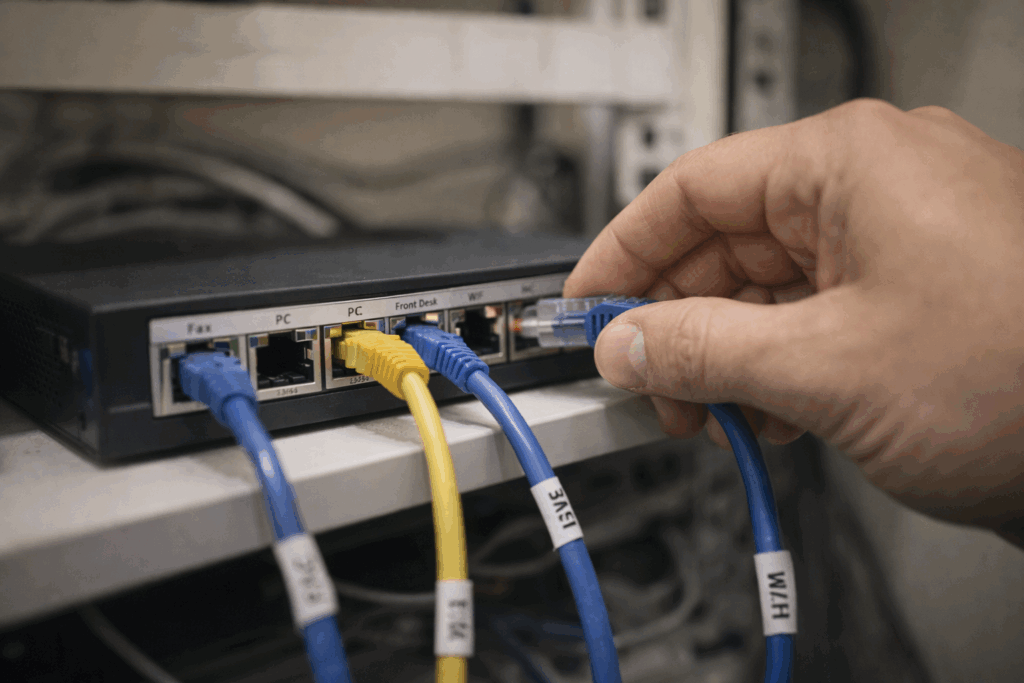
An aging front-desk PC that takes five minutes to boot does more damage than just wasting time. It creates long lines, rushed conversations, and more chances for mistakes. The same goes for outdated network gear that drops connections during peak hours.
Patients experience that as disorganization, not as “their router is old.”
 Backups that exist, but are not tested
 Backups that exist, but are not tested
Many practices technically have backups. The bigger question is: can you restore quickly, and have you tested it recently?
If ransomware hits, it can lock files and try to spread across systems. In a medical office, that can mean your EHR access, scanned documents, billing files, and scheduling tools are suddenly unavailable. Work slows to a crawl or stops completely. Patients get rescheduled. Referrals get delayed. Staff get stressed. And trust takes a hit because the practice feels unstable.
This is exactly why [data backup and disaster recovery] should include regular restore testing, not just “we pay for a backup service.”
Email and texting that are convenient, but not protected
Patients love convenience. Practices love convenience too. But convenience tools need guardrails.
If staff are texting patient details from personal phones, forwarding messages to personal email, or using unapproved file sharing to send forms, you are building risk into daily routines. The right tools can still be easy to use, while keeping communication protected and consistent.
This is where [secure telehealth solutions] and secure messaging options matter, even for practices that are not “high tech.”
Weak login protection
Passwords alone are not enough anymore. If a staff member’s password gets reused from another site, or a phishing email tricks someone into typing it in, attackers can get in fast.
Adding [multi-factor authentication for healthcare] is one of the simplest changes that makes a big difference. It helps prevent stolen passwords from turning into real access.
What patients notice first when technology is falling behind
Patients rarely say, “I am concerned about your patch management.” They notice the symptoms:
- Check-in takes too long.
- The portal is unreliable.
- They get duplicate reminders or no reminders.
- The office calls back later because “the system was down.”
- Their pharmacy is waiting because e-prescribing had issues.
- They hear staff discussing a computer problem within earshot.
Each one of these chips away at confidence, even if your clinical care is excellent.
Closing the gaps without disrupting your day-to-day
Most practices do not need a massive tech overhaul. What they need is a clear plan and consistent follow-through.
A practical approach often looks like this:
Step 1: A real-world risk and workflow review
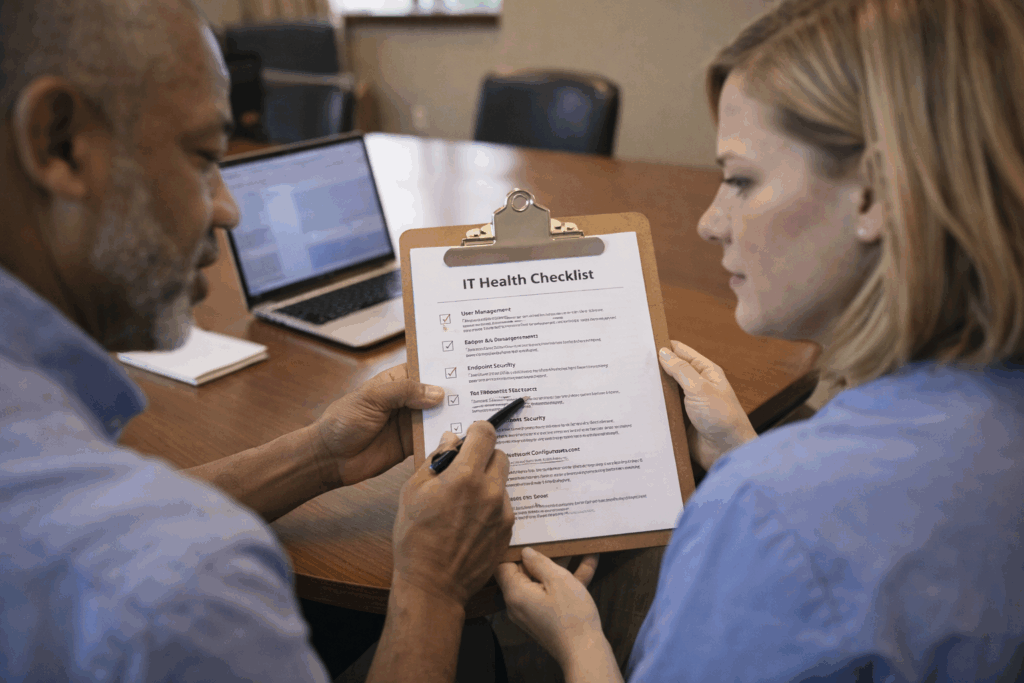
Not just a checklist. We look at how your staff actually works: front desk, providers, billing, remote access, and vendor connections.
Step 2: Standardize and secure the basics
Device lifecycle planning, password policies, MFA, patching, endpoint protection, email security, and network cleanup.
Step 3: Make sure you can recover
Backups that are monitored, tested, and designed for fast restoration, plus a plan for downtime so your team is not improvising in a crisis.
Step 4: Ongoing monitoring and support
Because issues do not schedule themselves for slow afternoons.
This is what [managed IT services Oak Park] should feel like: fewer surprises, fewer fire drills, and more confidence that your practice will keep running.
The bottom line
Your patients may never ask about your cybersecurity strategy. But they will absolutely notice the moments when technology makes their care feel harder, slower, or less secure.
Closing the small gaps is how you protect the big thing: trust.
If you run a suburban practice and you want a clear, practical plan to reduce risk while improving reliability, reach out to CMIT Solutions of Oak Park. We can help you strengthen [medical practice cybersecurity], tighten [HIPAA compliance IT support], and build a recovery plan that keeps your practice moving even when something goes wrong.