
Picture a normal Tuesday at your firm. Phones ringing, intake forms coming in, a partner needs a document filed before lunch, and someone is trying to merge edits from three different versions of the same contract. Then, quietly in the background, a hacker tries to log into an employee’s email from overseas using a password stolen in a data breach years ago.
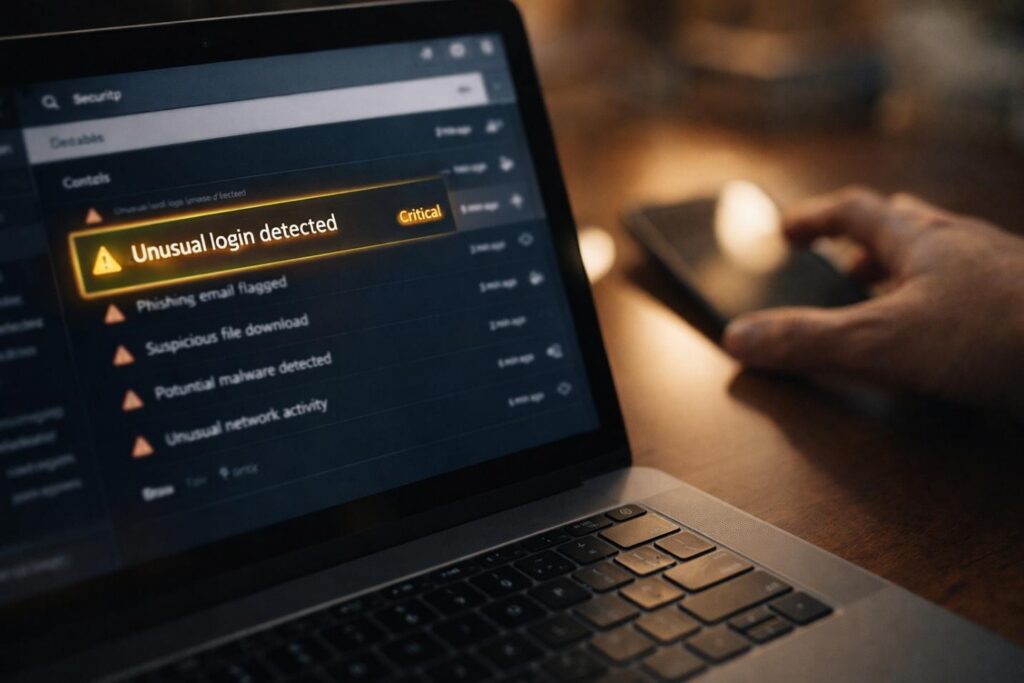
In the old days, that login attempt might slip by until something obviously bad happened. Today, AI-driven threat detection can spot that “this is not normal” within seconds, and raise a flag before the damage spreads.

Why law firms are a special target and why “small” does not mean “safe”
Law firms are treasure chests for criminals. You store IDs, financial records, medical information, business secrets, settlement details, and sometimes access to client systems. Criminals know that firms also run on deadlines. If your case management system goes down the week of a closing or a court date, pressure skyrockets.
That pressure is exactly what attackers bank on, especially with ransomware. It is not just one computer getting locked up. Modern attacks often try to spread across the network, hit shared drives, and take down key systems so the whole office grinds to a halt.
What “AI-driven threat detection” actually means in plain English
AI threat detection is not a robot watching your screens. Think of it more like a security guard that learns your firm’s normal routine and notices when something is off.
Instead of relying only on fixed rules like “block this known bad file,” AI-based tools look for patterns such as:
- A staff account that suddenly starts downloading thousands of files at 2:00 a.m.
- A login from Oak Park at 9:05 a.m., then another login from another country at 9:07 a.m.
- A computer that starts trying to connect to many other devices on your network, like it is “shopping around” for more victims
- An email that looks normal on the surface, but behaves like a trap once someone clicks
The biggest shift is this: AI helps catch new threats that do not match yesterday’s “known bad” list.
A law firm example you can relate to
Let’s say a paralegal receives an email that appears to be from a client: “Here is the signed copy, please confirm.” It includes a link.
They click. Nothing seems to happen. No pop-ups, no obvious warning.
But behind the scenes, a malicious program tries to grab the person’s saved browser passwords and reuse them to access Microsoft 365. Once inside, the attacker searches the mailbox for words like “wire,” “settlement,” “trust,” “invoice,” and “payment.” Then they send realistic-looking messages to clients or opposing counsel to reroute payments.
AI-driven detection can catch the weird behavior early: unusual mailbox searching, unusual forwarding rules, logins from unfamiliar locations, or a sudden spike in file access. That early warning can be the difference between “we reset a password” and “we are explaining to clients why confidential files were exposed.”
Where AI helps most and where it still needs humans
AI is excellent at spotting anomalies, but it is not a set-it-and-forget-it solution.
Where it shines:
- Endpoint detection: catching suspicious behavior on laptops and desktops
- Email security: flagging phishing attempts that look almost real
- Account monitoring: spotting strange logins and unusual activity in cloud apps
- Noise reduction: prioritizing alerts so you are not chasing harmless events all day
Where human oversight still matters:
- Tuning alerts so your team is not constantly interrupted
- Investigating what caused the alert and whether anything spread
- Turning lessons learned into better protections (training, access controls, policies)
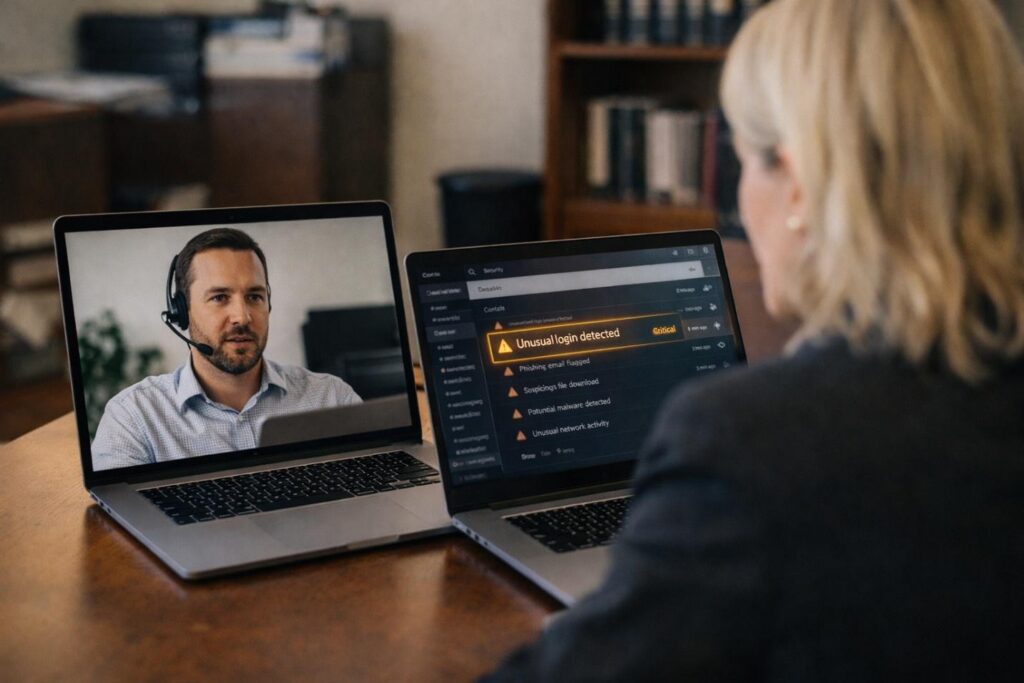
This is why many firms pair AI tools with [managed cybersecurity]. You get the speed of automation plus people who know what to do when the alert hits.
The practical business payoff for law firms
AI-driven threat detection is not about fancy tech for its own sake. For a law firm, the payoff is simple:
- Less downtime: stopping threats before they take the office offline
- Lower financial risk: fewer successful fraud attempts, fewer costly recoveries
- Client trust: protecting confidential information and reputation
- Faster response: catching problems early, when fixes are smaller and cheaper
If you are comparing providers, look for partners who understand professional services and can explain their approach without burying you in jargon. If you are searching locally, you will see plenty of [cybersecurity companies in chicago], but the real question is whether they can protect the way your firm actually works: email-heavy, deadline-driven, and full of sensitive documents.
What to do next even if you are not “ready” for AI yet
If you want a simple starting point, aim for these basics:
- Multi-factor authentication on email and cloud apps
- Strong backups with regular testing (not just “we think it’s backing up”)
- Device protection that can detect suspicious behavior, not just known viruses
- A clear plan for who to call and what to do if something goes wrong
If you would like help sorting through options, we can. At CMIT Solutions of Oak Park, we help law firms put the right protections in place without overcomplicating it, including threat detection that uses AI in a practical, real-world way.
If you want to know where your biggest risks are, reach out and we will walk through your current setup and recommend improvements that fit your firm’s size, tools, and budget.