
From the outside, busy season looks like long hours, extra coffee, and a lot of “just one more return.” From the inside, January through April is also when your technology is under the most stress, and when small cracks turn into expensive problems.
That is why busy season is not just a productivity challenge. It is an IT risk multiplier.

Why this window is uniquely risky
Accounting firms handle high-value data (SSNs, bank info, payroll details, W-2s, 1099s, business financials).
During tax season, you also tend to have:
- More logins, more file transfers, more “quick exceptions”
- More remote work and odd-hour access
- More temporary users, devices, and inbox activity
- Less time to slow down and verify anything
Attackers love that combination. They do not need to be “better” than your security. They just need you to be rushed.
Hidden risks that sneak in during busy season
1. The “fake client” email that looks normal enough
Tax season is prime time for phishing and impersonation. The most common pattern is simple: an email that appears to be from a client (or a partner) asking for a document, an updated bank account, or “the signed PDF you sent last year.”
The danger is not just a stolen password. If someone gets into one mailbox, they can read conversations, learn your wording, and then send convincing follow-ups that trick staff and clients. That is how real money moves and real data leaks happen.
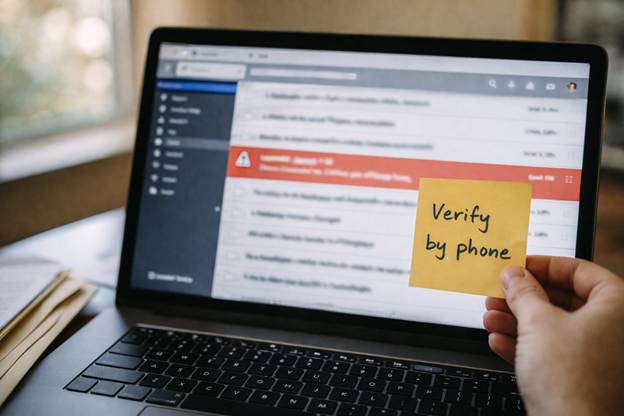
What to do now: tighten email security, require multi-factor authentication for email, and set a policy that any bank change or payment instruction must be verified by a phone call to a known number.
2. Seasonal staff and “temporary access” that becomes permanent
Busy season hires are normal. What is not normal is when temporary access stays active past April, or when a shared login is created “just for now,” or when a staff member uses a personal laptop because onboarding is taking too long.
Those shortcuts feel harmless until you need to answer questions like: Who still has access? From what device? To which client folders? What happens if that device is lost or infected?
What to do now: use named accounts for every user, enforce least-privilege access (only what they need), and schedule a post-April access review on the calendar today.
3. The client document sprawl problem
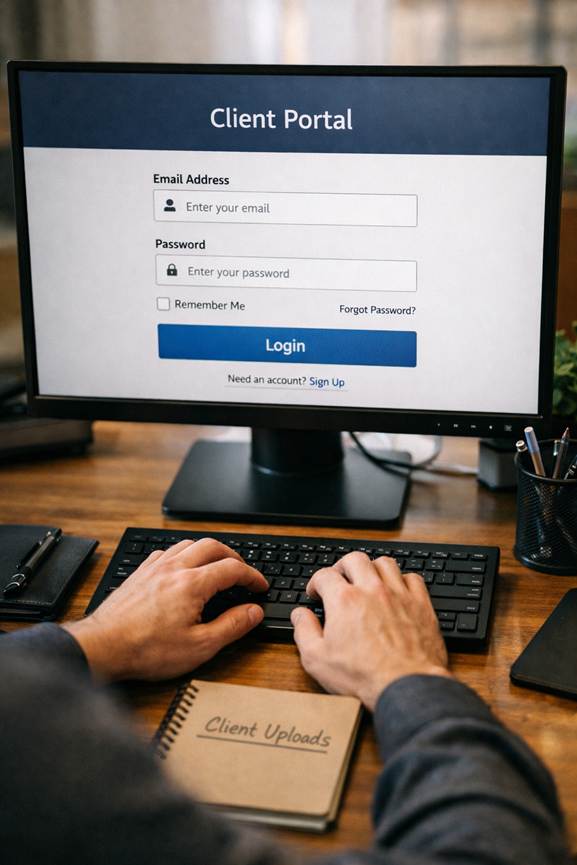
When clients are in a hurry, they send files however they can: email attachments, text messages, consumer file-sharing links, photos of documents, and random “here’s my portal login” notes. The more places client data exists, the harder it is to protect, back up, and eventually purge.
It also raises the stakes if a single inbox or laptop is compromised.
What to do now: standardize on a secure upload method, train clients with a simple one-page guide, and block risky file types if possible.
4. Updates get postponed, and that is when trouble shows up
When you are slammed, it is tempting to postpone updates. The problem is that security patches are often released because criminals already know how to exploit the weakness.
Delaying updates can quietly raise your risk for weeks. And during busy season, downtime from a preventable issue hurts more. Even a “small” outage can derail deadlines and pile up client frustration.
What to do now: patch operating systems and common apps on a schedule, keep endpoint protection current, and make sure critical machines reboot as needed.
5. Backups exist, but recovery is a different story
Many firms technically have backups, but the real question is: can you recover fast enough to keep working?
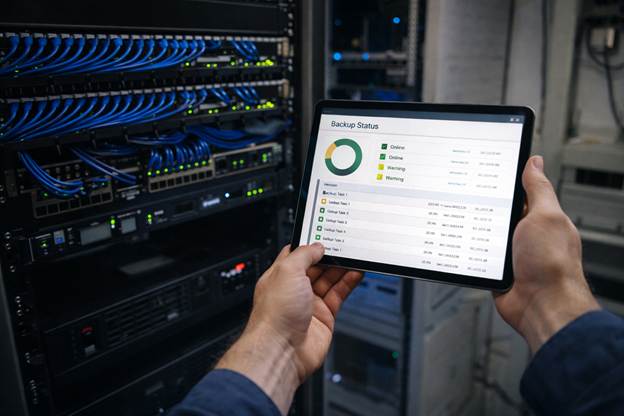
If ransomware hits during March, it can lock a computer and try to spread across your network. That can take down shared drives, applications, and cloud sync folders. Even if you can restore data, the time lost is brutal when your team is already at capacity.
What to do now: test restores, confirm backups are isolated (not just “synced”), and define what needs to be back online first.
A quick “busy season” self-check you can do in 10 minutes
If you are not sure where your biggest risk is, answer these honestly:
- Would a password alone let someone into your email or tax tools, or is MFA required everywhere?
- Do you know exactly who has access to client folders right now, including seasonal staff?
- If a laptop disappeared today, could you wipe it remotely?
- If your main file share went down tomorrow, do you know your restore plan and timeline?
- Are clients still emailing sensitive documents because the portal “is annoying”?
If any of those answers make you uncomfortable, you are not alone. Busy season forces shortcuts. The goal is to make the safe way the easy way.
Where we can help before things get hectic
If you are looking for it support for accounting firms, we can help you lock down the basics that matter most during tax season: secure email, MFA, device protection, backups you can actually restore, and clear processes for onboarding and offboarding seasonal staff.
And if you want a partner who understands what “no downtime in March” really means, we can act as your managed IT support Chicago team with monitoring and support that reduces interruptions and lowers risk.
Call CMIT Solutions of Oak Park, Hinsdale and Oak Brook to schedule a quick busy-season IT risk review. We will help you find the weak spots that are easiest to miss, fix the high-impact items first, and keep your team focused on clients instead of computer fires.