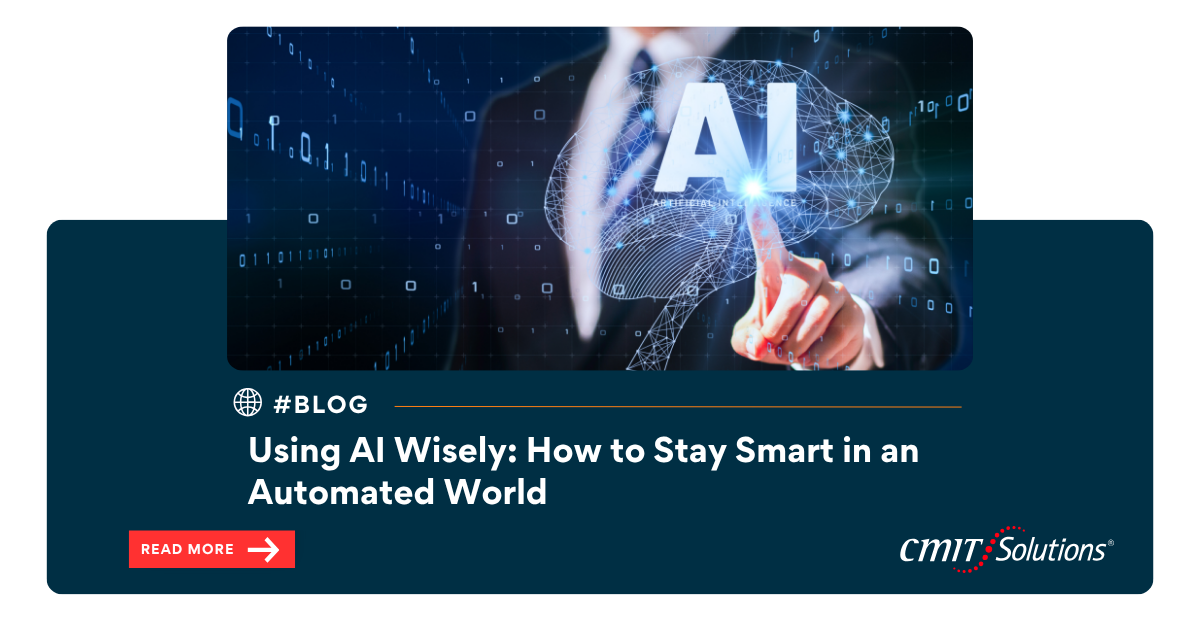
At CMIT Solutions of Oak Park, Hinsdale & Oak Brook, we believe AI is an incredible force for productivity, innovation, and growth. But with great power comes great responsibility. As we integrate AI into everything from communications and cybersecurity to business strategy and customer service, the real challenge isn’t just using AI — it’s using it wisely.
Just like calculators made math quicker and GPS simplified navigation, AI can supercharge your workflow. But over-reliance can erode critical skills. Small businesses are prime targets for cybercriminals, and if your team loses the ability to think critically, creatively, or independently, you’re more vulnerable than ever.
The Danger of Outsourcing Too Much Thinking
AI can write emails, summarize documents, generate code, and even create images — all in seconds. But relying on it too heavily can weaken our cognitive agility, much like cybercriminals leveraging GenAI erodes traditional defenses. A study by MIT revealed that overusing AI can result in “cognitive offloading,” reducing our ability to problem-solve and assess critically.
Why analyze when AI gives you a quick answer? Why brainstorm if a chatbot can draft your blog? That shortcutting mindset leads to atrophy in critical thinking, problem-solving, and judgment — exactly the skills your business depends on.
Smarter AI Use: Be the Pilot, Not the Passenger
The best way to avoid cognitive erosion is to engage with AI, not surrender to it. Think of AI as your assistant — not your replacement.
- Edit, Proof, Fact-Check
AI is fast but not flawless. Treat it like a caffeinated first draft: always review for accuracy, tone, and clarity. AI hallucinations happen. Spot them before your clients do. - Prompt and Refine
Don’t settle for the first answer. Engage iteratively. Ask follow-ups, challenge assumptions, and explore alternative views. This keeps your problem-solving edge sharp. - Choose the Right AI Tool for the Job
Use ChatGPT for brainstorming. Leverage Microsoft Copilot for summaries. Apply Perplexity for research. But always validate. The right IT assessment helps identify the best-fit tools for your business.
AI for Key Business Functions: Best Practices
– Idea Generation: Use AI to brainstorm, then mix with your insights. – Content Drafting: Use AI to write, but infuse your own voice. – Coding: Leverage AI for efficiency, not education. Understand before using. – Research: Cross-reference everything. AI isn’t a scholarly source. – Design: Use AI for inspiration, not your final product.
Remember, managed IT solutions help integrate AI tools safely and intelligently.
Maintain Your Analytical Muscle
AI won’t replace you, but misusing it might sideline your critical edge. Our millennial IT era tips stress the importance of digital fluency, but we must also emphasize human mastery. Unlocking AI’s potential doesn’t mean offloading responsibility — it means refining how we lead, decide, and communicate.
Your AI Policy = Your Competitive Edge
At CMIT Oak Park, we help organizations create strong cybersecurity policies, including how AI is used responsibly in the workplace. This includes:
- Routine IT audits to detect misuse
- Educating teams on endpoint security
- Integrating AI governance frameworks
Our mission is to make your tech smarter, safer, and more sustainable for long-term success.
Final Thoughts: Human-Centered Automation
Whether it’s AI summarizing a financial report or crafting your next blog post, don’t let it think for you. Engage with it. Question it. Improve it. With the right strategy, AI can enhance your thinking rather than replace it.
Is OneDrive really secure for your business? That kind of question should still come from a human who understands the stakes — not a bot fed a script.
Let CMIT Solutions of Oak Park, Hinsdale & Oak Brook help you deploy AI and automation that complements your business, empowers your team, and drives sustainable growth. The future isn’t about humans vs. machines. It’s about humans with the right machines — and the wisdom to use them.