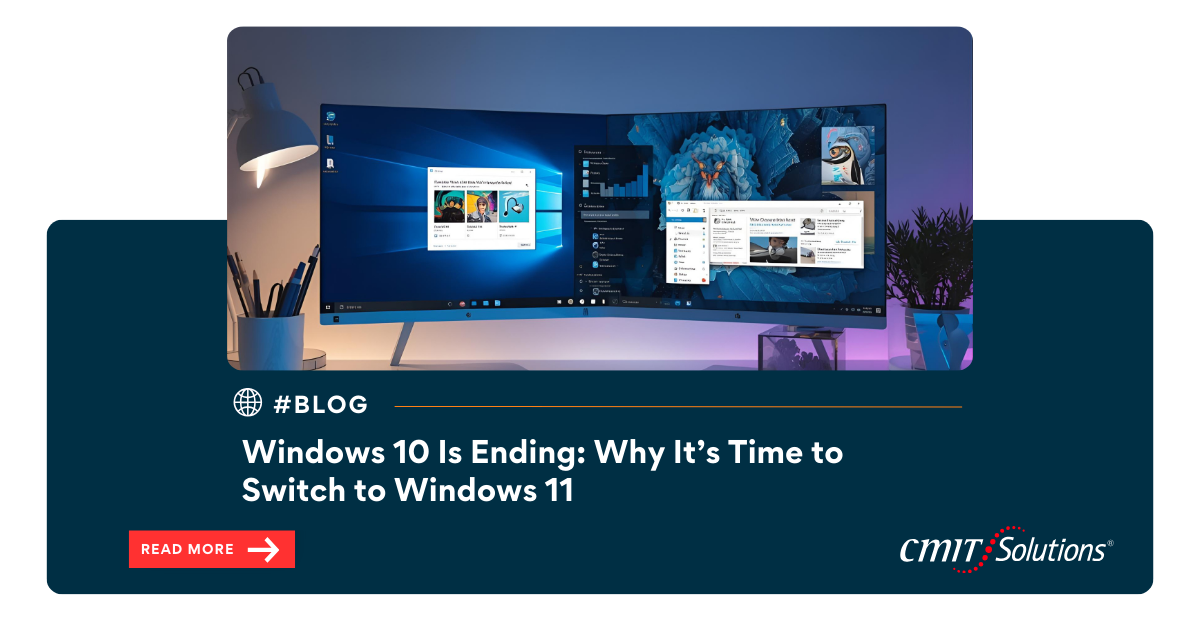
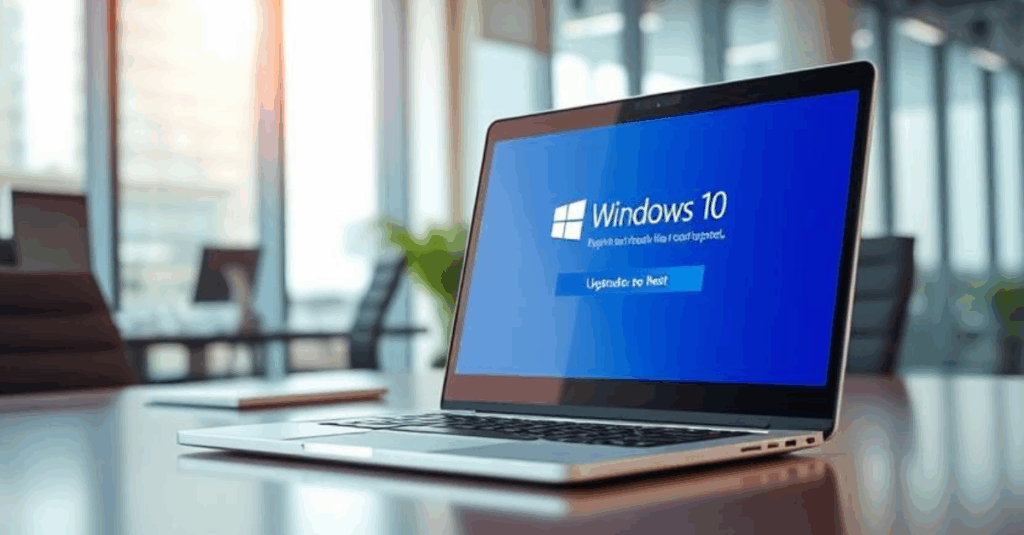
Microsoft has confirmed that Windows 10 support is ending in 14th October 2025. After this deadline, the operating system will no longer receive updates or patches, leaving devices outdated and harder to manage. To stay competitive and efficient, businesses should start planning their move to Windows 11 now.
Understanding the Windows 10 Deadline
The end-of-support date signals a critical time for every business still relying on Windows 10. Without regular updates, performance will decline, and applications may stop functioning correctly. Key considerations include:
- No more updates or feature enhancements, causing system performance to degrade over time.
- Increased risk of software incompatibility with modern platforms.
- Higher upgrade costs if migration is left to the last minute.
- Tips to prepare early in this Windows 10 deadline guide.
Why Windows 11 Is the Smart Choice
Upgrading to Windows 11 brings modern features that boost efficiency and employee satisfaction. Key benefits include:
- A redesigned interface optimized for multitasking and collaboration.
- Faster processing and improved hardware support for next-gen devices.
- Better integration with Microsoft Teams and Office 365 for remote work.
- Strategic advice in this Windows 11 upgrade resource.
Managed IT Support for a Smooth Transition
Working with a professional IT team ensures that your upgrade happens with minimal disruption. Partnering for managed IT services offers:
- Pre-upgrade assessments to confirm hardware and software compatibility.
- Customized rollout plans to minimize downtime.
- Post-migration support to keep systems running at peak performance.
Network Management During Upgrades
A well-managed network is essential for a seamless upgrade. Strong network management provides:
- Automated checks to detect bottlenecks before migration begins.
- Real-time visibility into device connections and performance.
- Continuous optimization during and after installation.
Reducing Downtime for Business Continuity
Downtime can cost businesses valuable time and revenue. Planning ahead helps reduce downtime by:
- Scheduling upgrades outside of business hours.
- Using proactive monitoring to detect system conflicts early.
- Implementing failover systems to keep critical services running.
Strengthening Endpoint Management
Each device must be carefully managed during migration to ensure smooth performance. Effective endpoint security includes:
- Tracking device updates to confirm successful installations.
- Automating patching for older applications.
- Securing every endpoint to prevent performance disruptions.
24/7 System Monitoring for Peace of Mind
Constant oversight helps IT teams address problems before they affect daily operations. Implementing system monitoring delivers:
- Early detection of update failures or device errors.
- Automated alerts for quick issue resolution.
- Post-upgrade analytics to measure overall system success.
Leveraging Cloud Services for Flexibility
Windows 11 is designed to work seamlessly with cloud platforms. Optimizing cloud performance enables:
- Easier file sharing and team collaboration.
- Scalable storage for growing data needs.
- Faster connections to Microsoft 365 and Azure services.
Outsourcing IT for Cost Efficiency
Outsourcing simplifies upgrades while controlling costs. A reliable IT provider can help by:
- Managing hardware replacements and software updates.
- Offering flexible pricing models that fit small business budgets.
- Providing long-term support after the migration.
Compliance Made Simple
System upgrades must follow regulatory requirements to avoid penalties. Ensuring all compliance needs are met includes:
- Securely transferring sensitive data during the migration.
- Monitoring privacy policies and industry standards.
- Documenting every step for audit readiness.
Planned Replacement vs. Failure Replacement
Waiting for equipment to fail can be expensive and disruptive. A planned replacement strategy provides:
- Predictable budgeting for hardware upgrades.
- Controlled scheduling to avoid sudden outages.
- Reduced emergency costs caused by unexpected failures.
Preparing for Future AI Integration
Windows 11 supports cutting-edge AI tools that drive automation and analytics. Embracing AI assistants can help businesses:
- Automate repetitive tasks to free employee time.
- Improve data-driven decision-making.
- Enhance productivity with smarter applications
Data Observability During Migration
Maintaining reliable data is essential during any operating system upgrade. Focusing on data reliability offers:
- Real-time tracking of data transfers.
- Automatic checks to ensure accuracy and consistency.
- Quick troubleshooting for failed migrations.
Predictive Analytics for Upgrade Planning
Predictive tools make it easier to plan your migration with confidence. Using predictive analytics allows businesses to:
- Forecast hardware requirements and costs.
- Identify potential delays or resource gaps.
- Align IT investments with long-term growth goals.
Tech Support That Grows With You
Even after upgrading, continuous support is essential for keeping systems optimized. Flexible tech support provides:
- Scalable services that adapt to business growth.
- Rapid response to post-upgrade issues.
- Ongoing maintenance to extend hardware life.
Conclusion: Act Now to Stay Ahead
The end of Windows 10 is not just a technology deadline—it’s a business decision that requires immediate attention. By starting your upgrade today, leveraging managed IT services, and planning with predictive tools, your company can secure long-term productivity and remain ready for future innovations. Partnering with CMIT Solutions of Oak Park, Hinsdale & Oak Brook ensures that every stage of your Windows 11 migration is seamless, strategic, and aligned with your business goals.