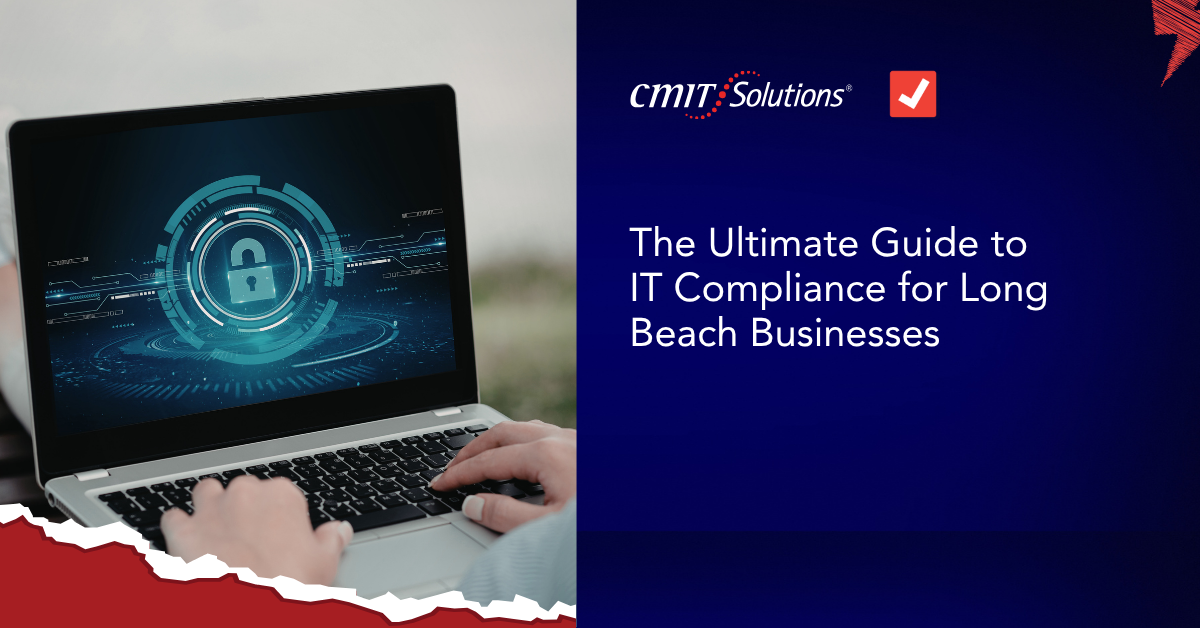
Staying compliant isn’t just about avoiding fines anymore it’s about protecting your business, your customers, and your reputation.
For businesses in Long Beach, IT compliance has become a critical part of daily operations. With increasing regulations, rising cyber threats, and stricter data privacy expectations in California, companies can no longer afford a reactive approach—especially with growing compliance requirements growth.
This guide breaks down what IT compliance really means, what’s required locally, and how to build a system that keeps your business protected and audit-ready.
What Is IT Compliance? (Simple Explanation)
IT compliance refers to the policies, technologies, and processes your business uses to:
- Protect sensitive data
- Secure systems and networks
- Meet legal and industry regulations
- Maintain accountability and transparency
In simpler terms:
It’s how your business proves that it handles data safely and responsibly closely tied to strong data protection practices.
Why IT Compliance Matters for Long Beach Businesses
Long Beach businesses operate in a highly connected environment—especially with industries like logistics, healthcare, finance, and retail.
That means more data.
More access points.
More risk.
Here’s why compliance is now essential:
California Data Privacy Laws Are Strict
Regulations like CCPA/CPRA require businesses to protect consumer data and provide transparency.
Cybersecurity and Compliance Go Hand-in-Hand
A security gap often leads directly to a compliance violation—especially with rising AI cyber threats.
Customers Expect Data Protection
Trust is now tied to how well you handle sensitive information.
Audits and Penalties Are Increasing
Non-compliance can result in fines, lawsuits, and operational disruption often tied to hidden tech weakness costs.

Key IT Compliance Regulations Affecting Long Beach Companies
Depending on your industry, your business may need to comply with:
CCPA / CPRA (California)
- Protects consumer data privacy
- Requires transparency in data collection and usage
HIPAA (Healthcare)
- Protects patient health information
- Requires strict access control and data security
PCI-DSS (Payment Processing)
- Applies to businesses handling credit card data
- Focuses on secure transactions and storage
FTC Safeguards Rule (Financial Services)
- Requires protection of customer financial data
The 5 Core Pillars of IT Compliance
Instead of thinking of compliance as a long checklist, break it into these essential areas:
Data Visibility
You need to know:
- What data you collect
- Where it’s stored
- Who has access
If you don’t have visibility, you don’t have control making real-time monitoring systems essential.
Access Management
Limit who can access sensitive systems and data.
Best practices include:
- Role-based access
- Multi-factor authentication (MFA) aligned with secure access trends
- Regular access reviews
System Security
Secure your infrastructure with:
- Firewalls and endpoint protection
- Regular patching and updates
- Threat monitoring
This is where cybersecurity directly supports compliance, especially with cybersecurity priorities 2026.
Monitoring & Logging
You should be able to track:
- User activity
- Data access
- System changes
This creates an audit trail critical for compliance verification and supported by predictive IT analytics.
Documentation & Policies
Compliance isn’t just what you do it’s what you can prove.
Maintain:
- Security policies
- Incident response plans
- Data handling procedures
Often supported by structured managed compliance solutions.
Common IT Compliance Mistakes (And How to Avoid Them)
Many Long Beach businesses believe they’re compliant but small gaps can create major risks.
Mistake 1: “We Have Security, So We’re Compliant”
Security tools alone don’t equal compliance. You need policies and documentation.
Mistake 2: No Clear Ownership
If no one owns compliance, it doesn’t get managed consistently often requiring strategic tech partnerships.
Mistake 3: Infrequent Reviews
Compliance isn’t one-time—it requires ongoing updates and monitoring.
Mistake 4: Lack of Employee Training
Even the best systems fail if employees don’t follow proper practices leading to human error risks.

How to Build a Compliance-Ready IT Environment
To stay compliant in 2026, Long Beach businesses should:
Conduct a Compliance Assessment
Identify gaps in your current systems and processes.
Implement Security Controls
Strengthen access, monitoring, and protection.
Create Clear Policies
Define how data is handled and protected.
Train Your Team
Ensure employees understand compliance requirements.
Monitor Continuously
Use tools and processes to stay compliant over time—helping reduce IT downtime.
How Managed IT Services Support Compliance
Many businesses struggle with compliance because it requires ongoing attention.
Working with a provider like CMIT Solutions of Long Beach helps by:
- Managing security and updates
- Monitoring systems 24/7
- Maintaining compliance documentation
- Preparing your business for audits
Learn more about managed IT services and how they support your business.
Conclusion
IT compliance isn’t just about regulations.
It’s about control.
Knowing:
- Where your data is
- How it’s protected
- Who can access it
- And how quickly you can prove it
The businesses that succeed in 2026 aren’t the ones reacting to compliance issues.
They’re the ones building systems that stay compliant every day—without disruption.
If you’re unsure whether your business meets current compliance standards, now is the time to take a closer look .Schedule a consultation with CMIT Solutions of Long Beach