It is 4:47 p.m. on a Friday. Someone on your team clicks what looks like a normal Microsoft 365 “shared document” email. Nothing dramatic happens right away. No flashing warning signs. No movie-style hacking montage.
But by Monday morning, passwords are failing, files will not open, and your staff is standing around asking the same question in slightly different tones: “So… what do we do now?”
Cyber resilience is the difference between a scary inconvenience and a week-long business shutdown. It is not about being “unhackable.” It is about staying operational when something inevitably goes sideways.
Resilience starts with a mindset shift: “When” not “If”
Small businesses get hit because attackers are running volume. They are not picking on you personally. They are scanning for weak logins, unpatched devices, exposed remote access, and people who are busy enough to click first and think later.
The 2025 Verizon Data Breach Investigations Report SMB snapshot makes the point bluntly: ransomware shows up in a large share of SMB breaches, and the report highlights how commonly attackers get in through credentials and vulnerabilities.
So resilience is not a single product you buy. It is a set of habits and safeguards that keep the business moving.
A simple way to think about cyber resilience: the “6 verbs” playbook
If you have ever felt overwhelmed by cybersecurity advice, you are not alone. A helpful framework is NIST Cybersecurity Framework 2.0, which organizes a solid program into six plain-English functions: Govern, Identify, Protect, Detect, Respond, Recover.
Here is what that looks like in real life for an SMB.
Govern: Decide what “secure enough” means for your business
This is the unglamorous part, but it prevents chaos later.
- Who approves new software and vendor tools?
- Who can change payroll details?
- What must be protected because it would cripple operations if lost?
This is where a business continuity plan belongs, even if it is just two pages.
Identify: Know what you actually have
Most “surprise” incidents are really visibility problems.
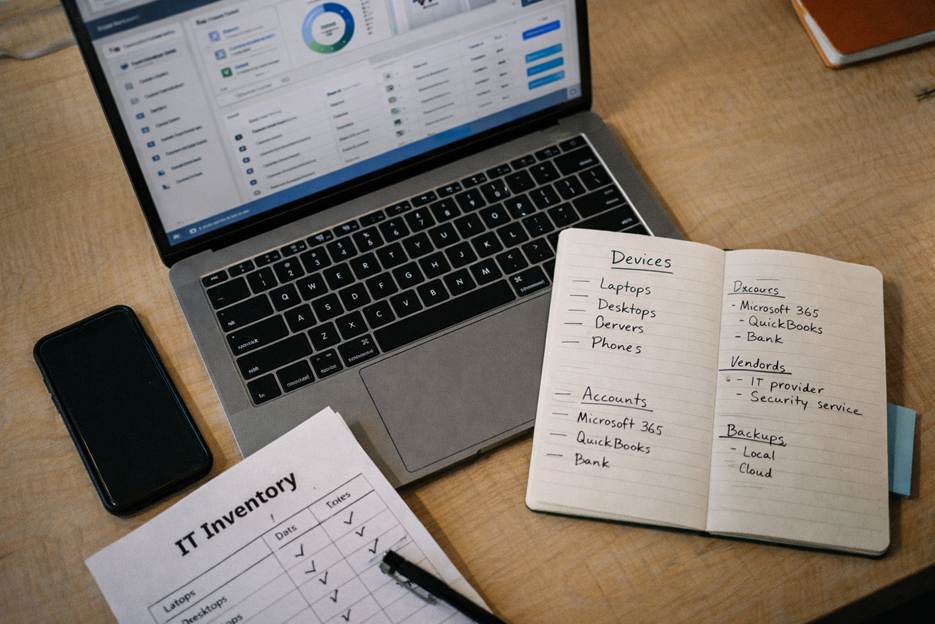
Make a living inventory of:
- Devices (laptops, desktops, servers, phones)
- Logins (Microsoft 365, QuickBooks, bank portals, line-of-business apps)
- Where sensitive data lives (customer info, HR files, tax documents)
This is the foundation for cybersecurity for small business programs because you cannot protect what you cannot see.
Protect: Make common attacks harder and slower
Attackers love two things: reused passwords and unpatched systems.
A few protections that punch above their weight:
- Multi-factor authentication on email and any remote access multi-factor authentication
- Password manager and a rule against reusing passwords
- Automatic patching for operating systems, browsers, and key apps
- Least privilege (not everyone needs admin rights)
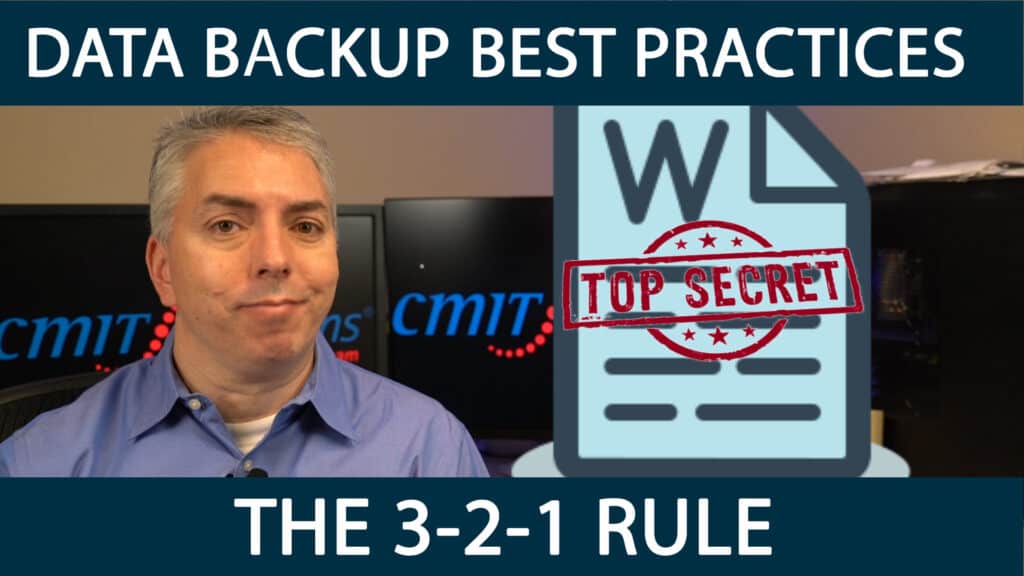
- Secure backups that are not always connected to your network data backup and recovery
CISA’s ransomware guidance is clear that attackers often try to delete or encrypt accessible backups, which is why offline or segmented backups matter.
Detect: Find problems before your customers do
The Verizon SMB snapshot notes that stolen credentials and vulnerability exploitation are common paths in, which means early detection is a game-changer.
Detection can be simple:
- Alerts for unusual logins (new country, impossible travel, repeated MFA prompts)
- Monitoring for suspicious behavior on endpoints and servers
- Centralized logging so you are not hunting through ten places during an emergency
This is where managed IT services often help, because someone needs to watch the dashboard when your team is running the business.
Respond: Have a plan before the panic
When something happens, the goal is to stop the bleeding fast.
A practical incident response plan answers:
- Who do we call first? (IT partner, cyber insurance, legal, bank)
- How do we isolate affected machines?
- How do we communicate internally and with customers if needed?
- What do we preserve for forensics?
Even a one-page “if this, then that” checklist is better than improvising mid-crisis.
Recover: Restore operations with confidence, not hope
Recovery is where resilience becomes visible to your team and your customers.
Ask yourself two questions:
- How quickly do we need to be back up? (hours vs. days)
- How much data can we afford to lose? (a day of work vs. none)
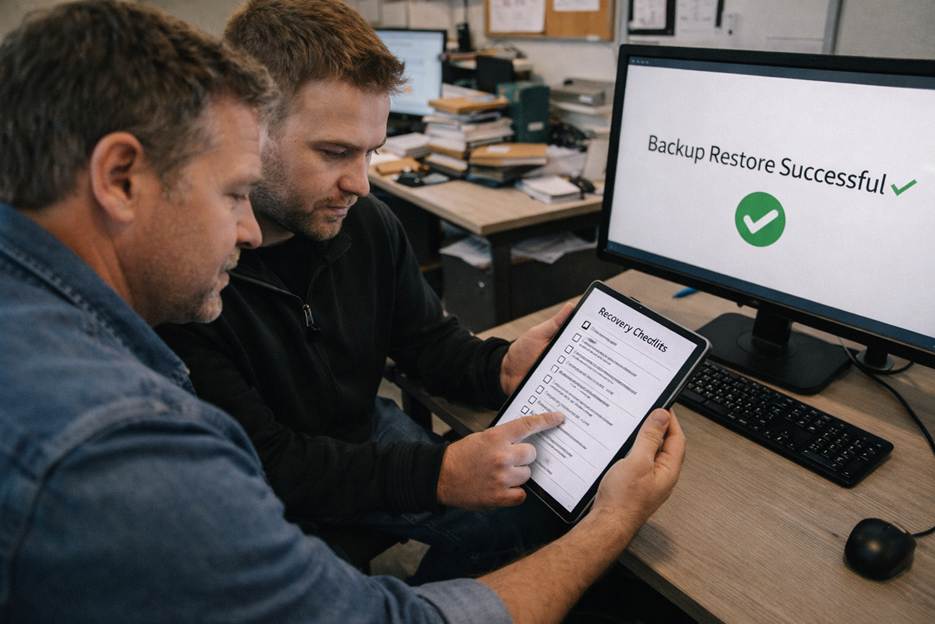
Then test it. Backups that have never been tested are not backups. They are a comforting idea.

The “constant risk” part is real, but so is the upside
The point of resilience is not living in fear. It is protecting revenue, reputation, and your team’s sanity.
Recent SMB-focused reporting shows many business owners recognize the need for better security, but lots of companies still rely on whoever is “good with computers” to handle it. That is a tough spot to be in when attackers are using automation and moving fast.
Resilience lets you operate with confidence:
- Employees can work without constant interruptions
- Leadership can make tech decisions proactively
- If something happens, you have a practiced path back to normal
Where we can help (without turning your week into a fire drill)
At CMIT Solutions of Oak Park, Hinsdale & Oak Brook, we help SMBs build resilience with practical, right-sized protections like Oak Park IT support, ransomware protection, secure backups, monitoring, and security training that actually fits how your team works.
If you want a clear, plain-English look at where you are today and what would make the biggest difference next, reach out for an assessment or quick consultation.
Call (708) 919-5132 or contact CMIT Solutions of Oak Park, Hinsdale and Oak Brook to get started.